Knowing how to open a Hyundai key fob is essential if you need to replace the battery or troubleshoot functionality, and it can save you both time and money. Losing or damaging your Hyundai key fob can be quite frustrating and expensive. While it is important to keep your key fob safe and secure, there may come a time when you need to access its batteries or replace them. This is where knowing how to open your Hyundai key fob can help. If you’re maintaining your car well, including knowing small things like how to open the key fob, it helps extend your vehicle’s lifespan. For example, check out how long Hyundai Elantras last to get an idea.
In this post, we’ll guide you through the steps of opening a Hyundai key fob, so you can get back to using your car quickly and without any hassle.
Step 1: Remove the Mechanical Key
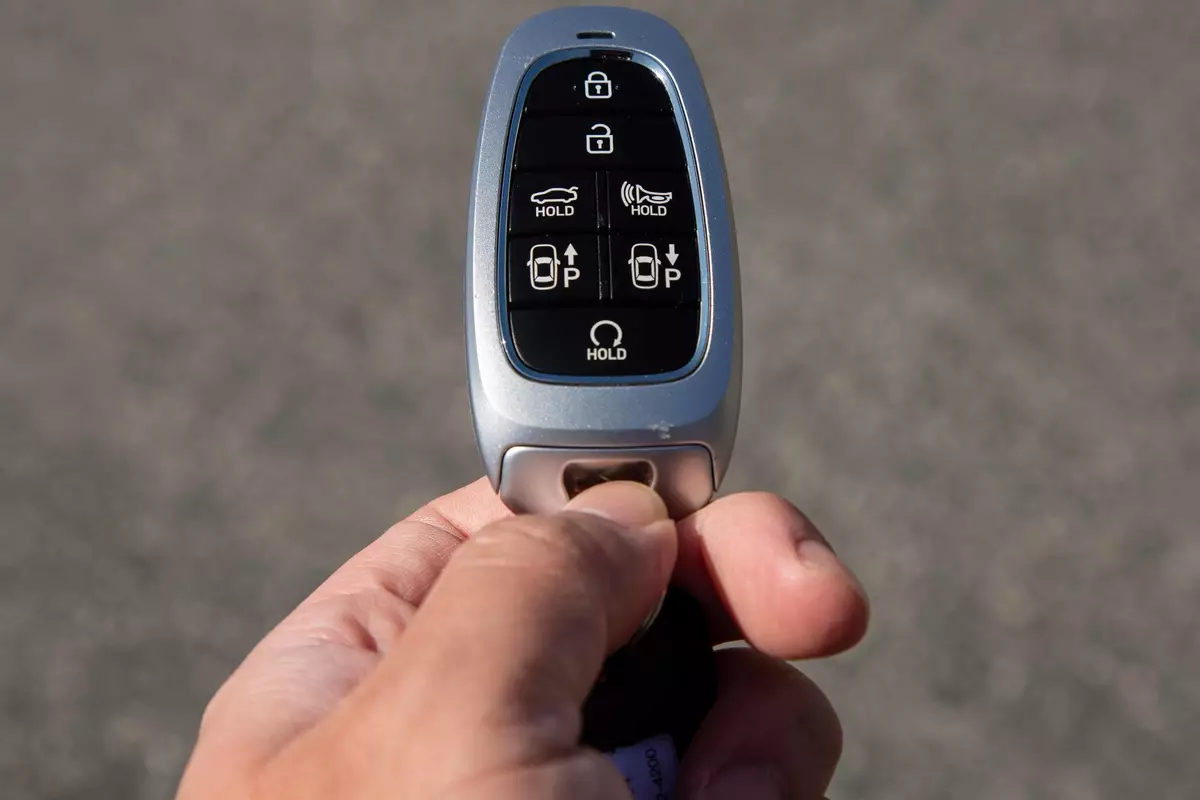
Most Hyundai smart keys have a small release button or slider on the back. Press or slide it and pull out the metal emergency key. On older flip-key remotes, flip the blade out instead. Set the key aside somewhere safe.
Step 2: Locate the Seam and Pry Open Your Hyundai Key Fob
With the key removed, look inside the slot it came out of, or along the edge of the fob, for a small notch in the seam between the two halves. Insert a flathead screwdriver or plastic pry tool into the notch and gently twist to separate the halves. A plastic pry tool is less likely to scratch or crack the fob than a metal screwdriver.
Step 3: Remove the Battery
Once the halves are apart, you’ll see the battery compartment. Remove the battery by pushing downward on the tab that holds it in place and sliding it out. Depending on the model of your Hyundai, the battery can be either a CR2032 or CR2025. Make sure to take note of the battery type, so you can replace it with the correct one.
Step 4: Replace the Battery in the Hyundai Key Fob Correctly
Once you have removed the old battery, insert the new battery in its place. Make sure that the positive (+) and negative (-) sides of the battery are facing the correct way by following the diagram in the battery compartment. If the fob works again but the car still won’t crank, the problem is likely the car’s own battery, and our guide on whether a car battery can be too dead to jump start can help.
Step 5: Reassemble After You Open the Hyundai Key Fob
After you have replaced the battery, align the two halves of the key fob and gently press them together until you hear a click. Make sure that the two halves are flush with each other and that there are no gaps or misalignments. Then slide the mechanical key back into its slot until it locks, and test the buttons.
Conclusion
Knowing how to open a Hyundai key fob can save you both time and money. Following the steps outlined above, you can open your Hyundai key fob, replace the battery, and reassemble it with ease. Remember to always use a plastic pry tool or a flathead screwdriver with caution to avoid damaging your fob. Fob batteries typically last a few years, so it’s worth adding a battery check to your car maintenance checklist.
With these simple steps, you can get back to using your Hyundai key fob and your car without any hassles. If you enjoy quick DIY jobs like this, learning how to replace windshield wipers is another easy way to save a trip to the shop.
Frequently Asked Questions
What battery does a Hyundai key fob use?
Most Hyundai key fobs use a CR2032 coin battery, while some older or smaller remotes use a CR2025. Check the old battery or your owner’s manual before buying a replacement.
Do I need to reprogram my Hyundai key fob after changing the battery?
Usually not. Most Hyundai fobs keep their programming when the battery is replaced. If buttons still don’t work, check the battery orientation and contacts before assuming it needs reprogramming.
How do I start my Hyundai if the key fob battery is dead?
On many push-button Hyundais, you can hold the fob against the start button and press it to start the car. Check your owner’s manual for the exact method on your model.
How long does a Hyundai key fob battery last?
Typically about two to four years, depending on how often you use the fob. Reduced range or a low-battery warning on the dash are common signs it’s time for a new one.