A battery management system that works efficiently is essential for your car’s optimal performance. If you’re experiencing issues, learning how to properly reset the Ford battery management system (BMS) can help restore proper electrical function. Ford’s BMS monitors the battery’s age, condition, and state of charge, and uses that data to control how the alternator charges the battery. Get this wrong, and you can end up with undercharging, disabled features, or a shortened battery life.
In this post, we’ll explain what the BMS actually does, clear up a common myth about resetting it, and walk through the methods that actually work.
What Does the Ford Battery Management System Do?
The BMS is a sensor mounted on the negative battery terminal that tracks voltage, current, and temperature, feeding that data to the vehicle’s computer. Rather than charging the battery constantly, the system tells the alternator when and how much to charge based on the battery’s tracked age and health, which improves fuel efficiency and helps the battery last longer. It’s a genuinely smart system, but it only works correctly if it has accurate data about the battery that’s actually installed.
Common Myth: Does Disconnecting the Battery Reset the BMS?
No, and this is worth being clear about: simply disconnecting and reconnecting the battery does not reset Ford’s BMS. The module’s learned data about the old battery, including its age and time-in-service, is stored independently and survives a power disconnect. If you replace your battery and skip the actual reset procedure, the system keeps using the old battery’s parameters, which commonly leads to undercharging, nuisance warning lights, and features like auto start-stop, heated seats, or the heated rear window getting disabled until it’s corrected.
Reset Methods That Actually Work
FORScan (recommended for DIYers): FORScan is free diagnostic software that, combined with an OBD-II adapter (avoid cheap ELM327 clones, which often fail to read or write BMS data correctly), can perform the same battery monitoring system reset a dealer would. Plug the adapter into the OBD-II port, open FORScan, connect to your vehicle, and look for the Battery Monitoring System Reset under Service Procedures. It costs a bit upfront for the adapter and, on some modules, a short-term FORScan license, but it’s reliable across most 2010-and-newer Ford models.
Dealer or professional scan tool: A Ford dealer or independent shop with IDS or FDRS software can perform the reset in a couple of minutes as part of a battery replacement service. If you had your battery replaced professionally, it’s worth confirming the BMS reset was actually included.
Manual brake-pedal method (unreliable, but worth trying if you have no scan tool): With the key on but the engine off, turn on your headlights (not on auto), flash the high beams 5 times, then press the brake pedal 3 times within about 10 seconds. Watch the battery warning light: if it flashes a few times after 5 to 30 seconds, the reset likely worked. This procedure is widely reported to work on some Ford models from roughly 2010 to 2017, but it is not consistent across the lineup, and many owners report it doing nothing at all on their specific model. If it doesn’t work after a couple of attempts, FORScan or a dealer visit is the reliable path.
Signs Your BMS Needs a Reset
You should reset the BMS any time you replace the battery, even with an identical type, upgrade to a higher-capacity battery, or disconnect the battery for an extended period. Signs that a reset is overdue include a battery warning light that won’t clear, auto start-stop no longer working, heated seats or the heated rear window being unavailable, or the battery seeming to charge unusually slowly.
Consistent Maintenance
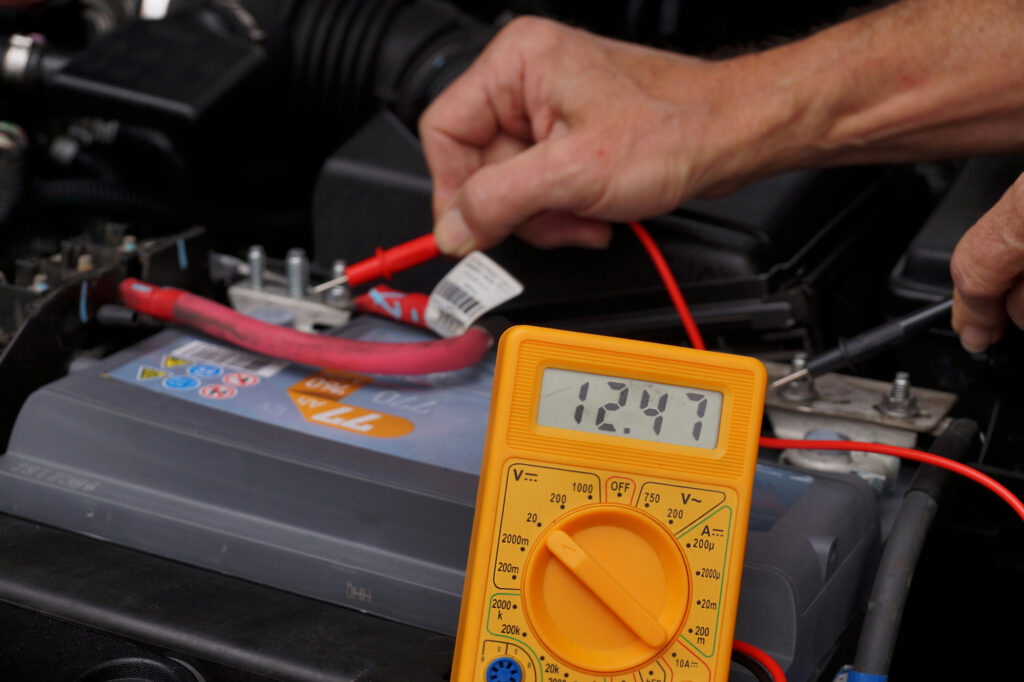
Beyond resetting the BMS when needed, keep up with general battery care. Regular maintenance keeps your battery in good condition and supports efficient charging. Clean the battery terminals periodically, check the battery’s voltage now and then, and expect to replace the battery roughly every three to five years depending on climate and driving habits.
Conclusion
Resetting the Ford battery management system isn’t as simple as unplugging the battery for a few minutes; it requires either FORScan, a dealer scan tool, or, on some models, a manual procedure that isn’t guaranteed to work. Skipping this step after a battery change is one of the more common reasons Ford owners end up with unexplained warning lights or disabled features.
If you’re not comfortable using FORScan yourself, or the manual method doesn’t work for your model, it’s best to have a professional mechanic or dealer perform the reset properly.
Frequently Asked Questions
Does disconnecting the battery reset the Ford BMS?
No. The BMS module retains the old battery’s learned data even after a power disconnect. You need FORScan, a dealer scan tool, or (on some models) a specific manual procedure to actually reset it.
What happens if I don’t reset the BMS after a battery replacement?
The system keeps using the old battery’s parameters, which commonly causes undercharging, nuisance warning lights, and disabled features like auto start-stop, heated seats, or the heated rear window.
Does the manual brake-pedal reset method work on all Fords?
No. It’s widely reported to work on some models from roughly 2010 to 2017, but it’s inconsistent across the lineup. If it doesn’t work after a couple of tries, use FORScan or have a dealer perform the reset.
Do I need special equipment to use FORScan?
Yes, a FORScan-compatible OBD-II adapter. Cheap generic ELM327 clones often fail to read or write BMS data correctly, so it’s worth using a reliable adapter.
How do I know if my BMS reset actually worked?
With the manual method, the battery warning light should flash a few times within 5 to 30 seconds. With FORScan or a dealer tool, the software will confirm the reset was successful.